
Partner with NVRblink
Sell and support a fully custom-built NVR platform under your own name — with a partner portal that lets you manage and monitor every client's device remotely, run your engineer jobs, quote and invoice your customers, and catch problems before they ever call you about one.
One platform, every device your customers use
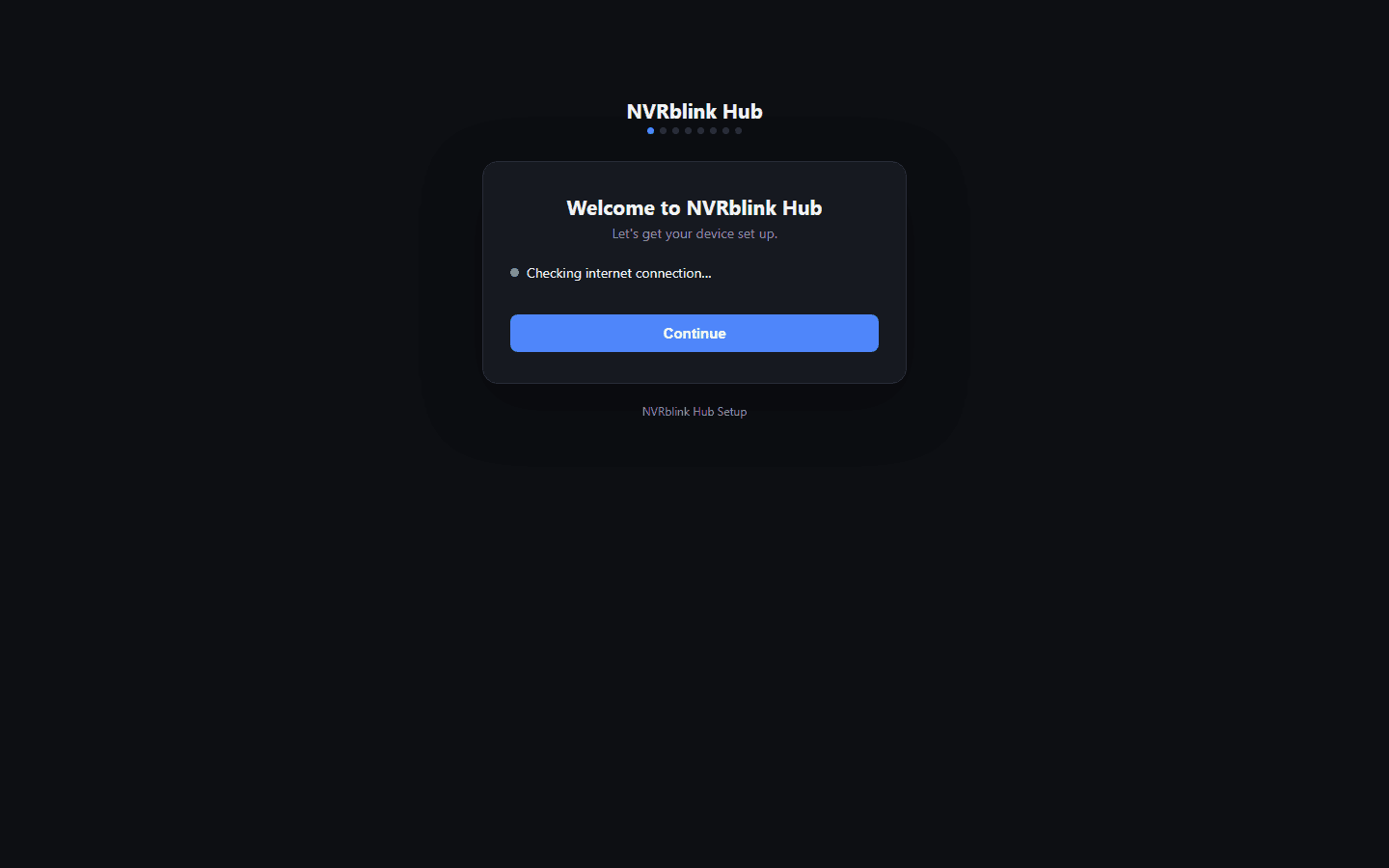
NVRblink Hub running on your client's site, with companion apps so they can check in from anywhere — and a portal for you to manage and grow the account.
NVRblink Hub
Our own fanless Linux appliance, pre-installed and configured — ONVIF camera discovery, live view, continuous or motion-triggered recording, and user accounts, ready to plug in on site.
iOS & Android apps
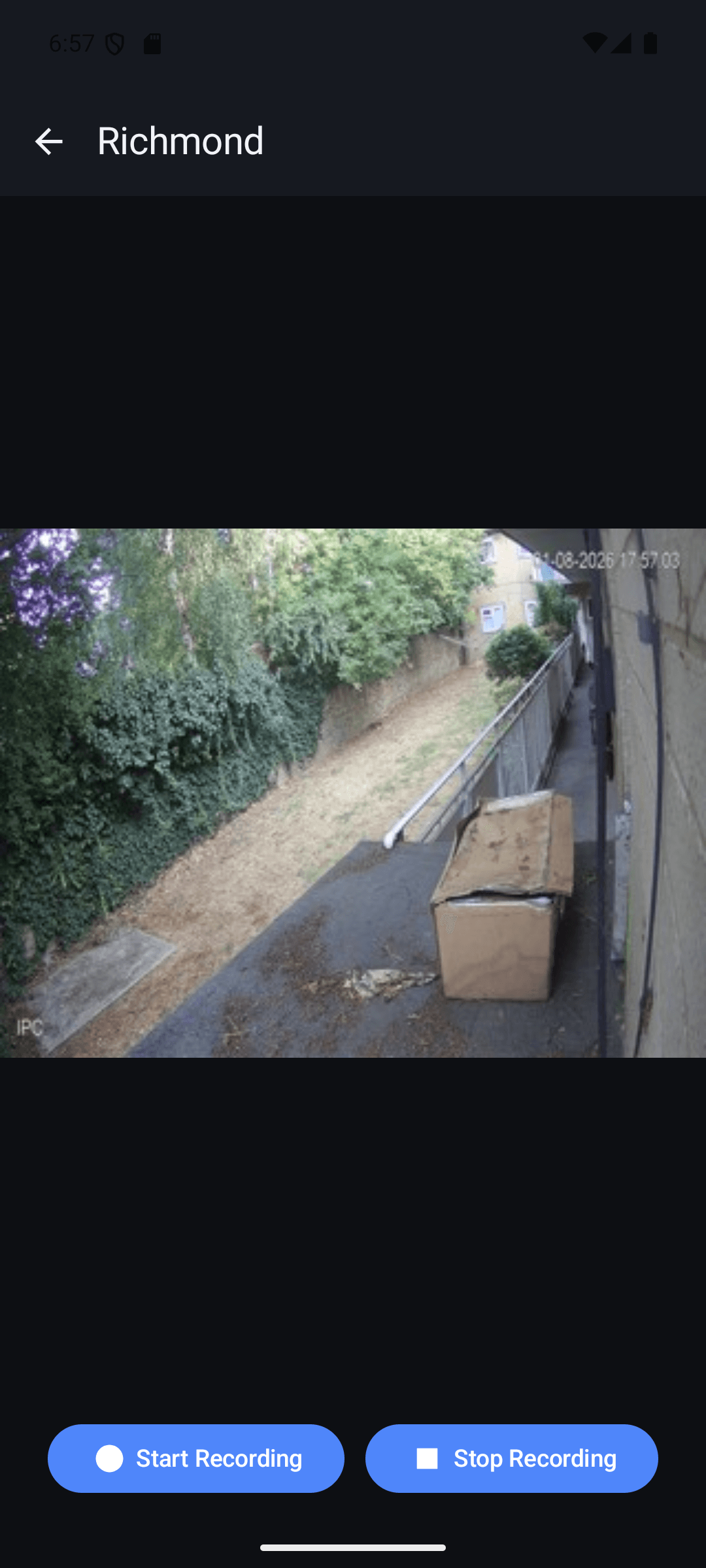
Native companion apps so your customer can check in on their cameras from their phone, wherever they are — and a dedicated installer mode for your own engineers.
Web portal access
No install at all — sign in from any browser for a live camera grid. A fallback that works everywhere.
Partner portal
Your own remote management console — device monitoring, job tracking, quoting, invoicing, and more. The platform this page is actually about. See below.
Support clients without visiting site
Every device you sell is manageable from your own partner portal — a web-based remote configuration platform built specifically for installers supporting real customers. Add and edit cameras, change recording settings, adjust remote access, and manage user accounts, all without a truck roll or a phone call talking your customer through a menu they can't find.
When something does need attention, you see it from the same portal — no guessing whether an issue is even real before you act on it.
Everything runs from one portal
One login, not a folder of spreadsheets, an old email thread, and a shared drive. Device health, documentation, downloads, jobs, quotes and invoices all live in the same place.
Device monitoring & early warnings
See every client's device health from one dashboard, and get alerted to a camera outage, low storage, or a device gone silent — often before your customer has any reason to check.
Knowledge base
A growing library of how-to articles and troubleshooting guides, written for installers, right inside the portal — no digging through email threads for the answer you know exists somewhere.
Latest tools & downloads
The current Windows NVR installer, Android app, and Hub tooling, always the newest version — one place to grab what you need for a job, no chasing an old link.
Full remote device management
Add and edit cameras, change recording settings, adjust remote access, and manage user accounts on any client's device — all without a truck roll or a phone call talking them through a menu they can't find.
Know before your client does
Set up urgent alerts on any client's device and get notified the moment something needs attention — often well before your customer has any reason to check:
- •A camera going offline or losing its feed
- •Storage running low or a device falling out of sync
- •A device that hasn't checked in at all
Being proactive rather than reactive is the difference between a support call your customer never has to make and a system they've stopped trusting.
Run your engineer jobs from the same place
An optional add-on that turns the portal into your job-management tool too — raise a site visit, know what hardware is on site before you get there, and keep every job properly documented.
Site visit tickets
Raise a job against a client's site, assign it to one of your engineers, and track it from open through to completed — work performed, photos, and the customer's signature, all captured on the day and kept with the record.
Site floor plans
Upload a floor plan for any site and drop pins on it linked to the actual hardware installed there — so the next engineer on site (or you, from the office) knows exactly what's where before they arrive.
Hardware inventory
A real inventory per site — category, make/model, serial number, install date, warranty status — kept in the portal and on the engineer's own phone, not a spreadsheet that's always one visit out of date.
Quote and invoice your customers, without leaving the platform
Raise a priced quote or invoice straight from a site visit ticket — add line items with quantity, description and price, add VAT if it applies, apply a discount on a quote if you need to, and send it out as a proper branded PDF.
Win a quote, get an invoice automatically
Mark a quote as won and the platform generates the invoice for you from the same line items — no re-typing the job into a separate invoicing tool.
Emailed direct, attached to the job
Export any quote or invoice as a PDF to email straight to your client, and it stays attached to the engineer ticket it came from — a complete record of what was quoted, what was done, and what was charged, in one place.
Simple to install, simple for your customer to use
Cameras are added with plug-and-play ONVIF discovery — no manual stream URLs or per-camera configuration to fight with on install day. Remote viewing for your customer just works, with no port forwarding or router configuration required on their end.
Once it's running, your customer gets remote viewing on iOS, Android, and from any web browser — so "can I check the cameras from my phone" is a yes on day one, not a follow-up job.
Everything built to make an install easier
Beyond the core NVR software, a set of purpose-built tools that take the friction out of installing and supporting a system on a real client site.
NVRblink Hub
Our own fanless Linux appliance, pre-installed and configured with NVRblink — arrives ready to plug in and record, no separate PC to source or set up.
A simple, guided install
A step-by-step setup wizard walks through cameras, storage, and remote access in plain language — no lengthy manual, no guesswork on install day.
Cameras get their own network, automatically
Our own networking software assigns cameras their IPs on an isolated network of their own — without touching or reconfiguring your customer's existing network at all.
Remote access that doesn't break
Our own DNS updater keeps a client's remote address pointed at their system even when their internet provider changes their IP — so remote viewing keeps working without you getting a call about it. A free hostname is included on every device, no extra step.
A mobile app built for your engineers, not just your clients
Sign in with your own engineer login, jump straight into a client's live camera grid to check positioning while you're still on the ladder, and handle site visit tickets, floor plans, and hardware inventory from your phone — a real chunk of "can you just check something" jobs never need a second visit at all.
Cloud storage, ready to offer
Off-site backup of a client's recordings — real peace of mind if the on-site device is ever lost, damaged, or stolen — is a standard add-on you can offer and price on every install, sold through the same account as everything else.
Charge more for what a client actually needs
NVRblink is module-based, not one-size-fits-all — a license ships with the standard recording platform, and you decide which extra modules a client's install actually needs: Retail AI theft detection, Number Plate Recognition (ANPR), Face Recognition, multi-site viewing, third-party monitoring integration, and more, all switched on or off per client from your partner portal.
That gives you real room to price up — a retail client who wants AI theft detection or a site that needs ANPR is a different, higher-value package than a standard install, and you're the one who sets that price, not us.
We build what our partners actually ask for
NVRblink is developed entirely in-house in the UK — 100% custom software, not a rebadge of a third-party NVR platform. That means we can actually act on what our partners ask for: new functionality ships on an ongoing basis, and partner feedback directly shapes what gets built next, not a vendor roadmap decided somewhere else.
The job-management, quoting and invoicing tools above didn't exist as a product idea until partners asked for them — that's the kind of platform this is.
Security your clients can rely on
Encrypted secrets, tamper-evident audit logging, two-factor authentication, and a local-first architecture that never depends on a third party staying in business — security is designed in, not bolted on after the fact.
See how we protect your clients' data →What's included, always
Free upgrades
Every software platform — NVRblink Hub, mobile apps, and your partner portal — upgrades at no extra charge. No separate maintenance contract, no version lock-in.
Free UK support
When you need help, you're talking to our own UK-based team — not a ticket queue routed offshore. Support is included, not a paid add-on.
A free hostname on every device
Every install gets a free remote-access hostname, no separate DDNS account or extra charge to keep remote viewing working when a client's IP address changes.
A roadmap partners actually shape
Tell us what would help your business and it goes on the list for real — features on this platform routinely start as a partner asking for them.
Ready to talk?
Tell us about your business and we'll get back to you about becoming a partner.