
Cloud Storage
Back up recordings off-site, alongside your local storage — so the footage survives even if the NVR itself doesn't.
Why footage needs a second copy
An NVR's biggest weakness is that everything it records usually lives on the same machine, in the same building, as the cameras it's watching. If that machine is stolen in a break-in, damaged in a fire, or just suffers a drive failure, the recordings that would have shown what happened go with it.
Cloud Storage keeps a second copy of your recordings somewhere entirely separate from your NVR, so a single bad event at your property doesn't mean losing both the hardware and the evidence at once.
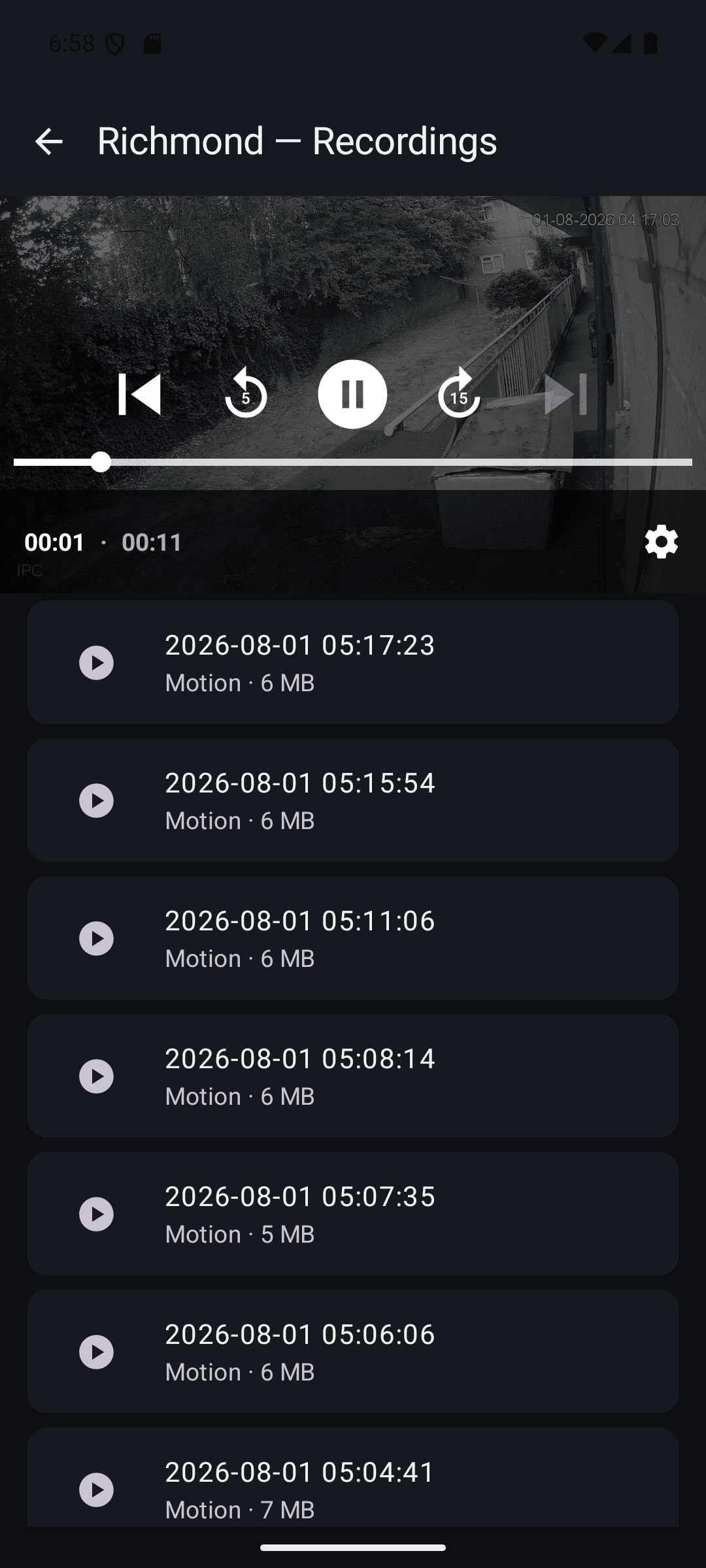
How we protect your recordings
A private folder, just for your account
Every customer gets their own isolated storage folder, identified by a unique, randomly generated code with no connection to your email address or account details. That code is the only way to enable cloud storage on an install — we email it to you once, and you enter it into the Windows app yourself.
Encrypted in transit
Recordings are uploaded over HTTPS the whole way from your NVR to storage — the same encryption your browser uses for online banking.
A specialist storage provider, not a spare server
Recordings are held with a dedicated cloud storage provider built for exactly this job, rather than on general-purpose infrastructure we've improvised storage onto.
How ordering works
Sign in to your account
Your NVRblink account is created during Windows setup. Sign in at nvrblink.co.uk and open the Cloud Storage tab in your account portal.
Enable cloud storage
We create a private storage folder that belongs only to your account, and email you an access code.
Enter the code in the app
Paste the code into the NVRblink Windows app's Cloud Storage settings, and it's connected.
Fair usage
Each plan comes with a fixed storage quota. We'd rather stop accepting new recordings once you're at the limit than run up a surprise bill on your behalf — you're always in control of what you're paying for.
Ready to back up your footage?
Sign in to your account portal to get started.