Loading…
Loading…
The NVRblink Hub runs the actual NVR - camera management, recording, and the server everything else talks to. Everything below is a companion app that connects to your own Hub - none of them route your camera traffic through a server of ours.
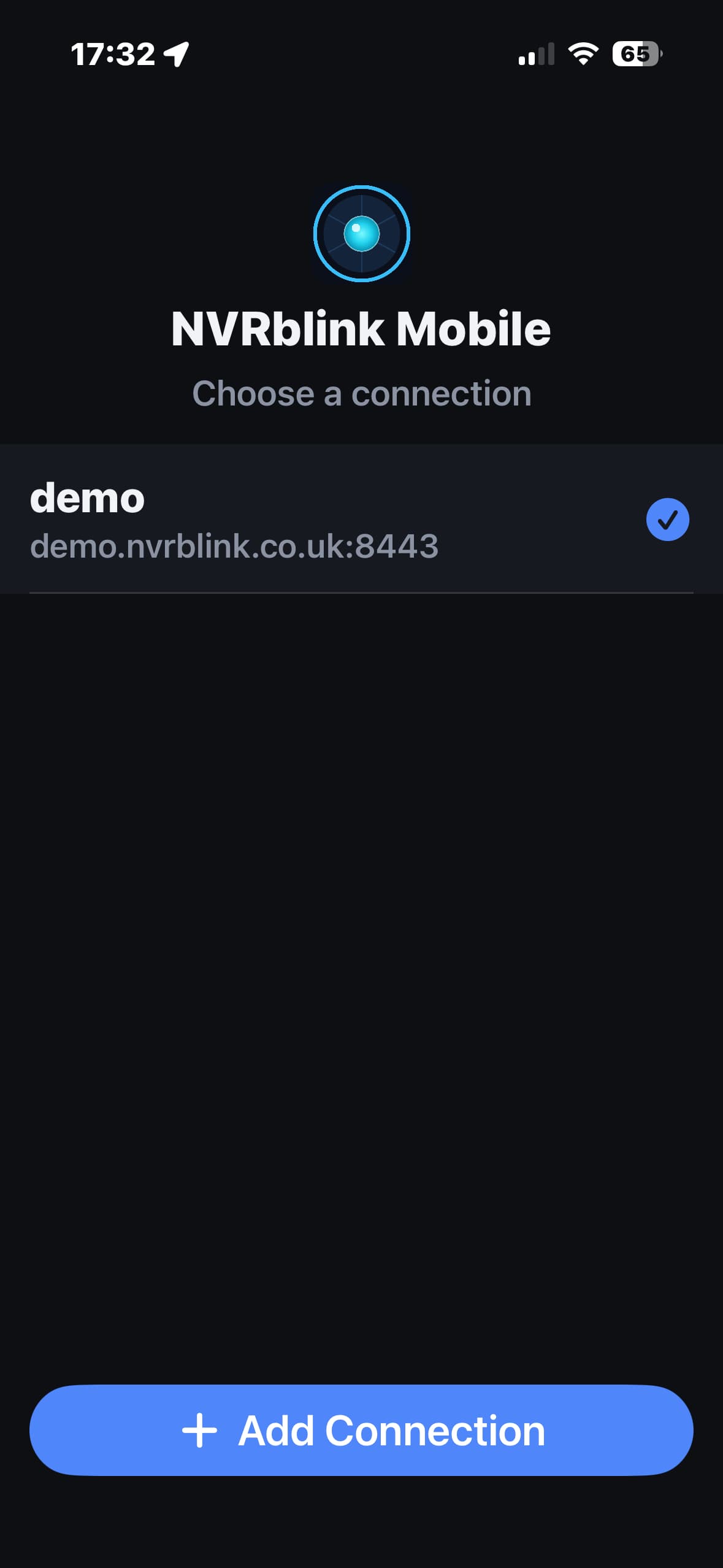
Looking to download something? NVRblink Remote Viewer, Employee Enrolment, and NVRblink Mobile Viewer (with a QR code to scan) are all on the Downloads page.
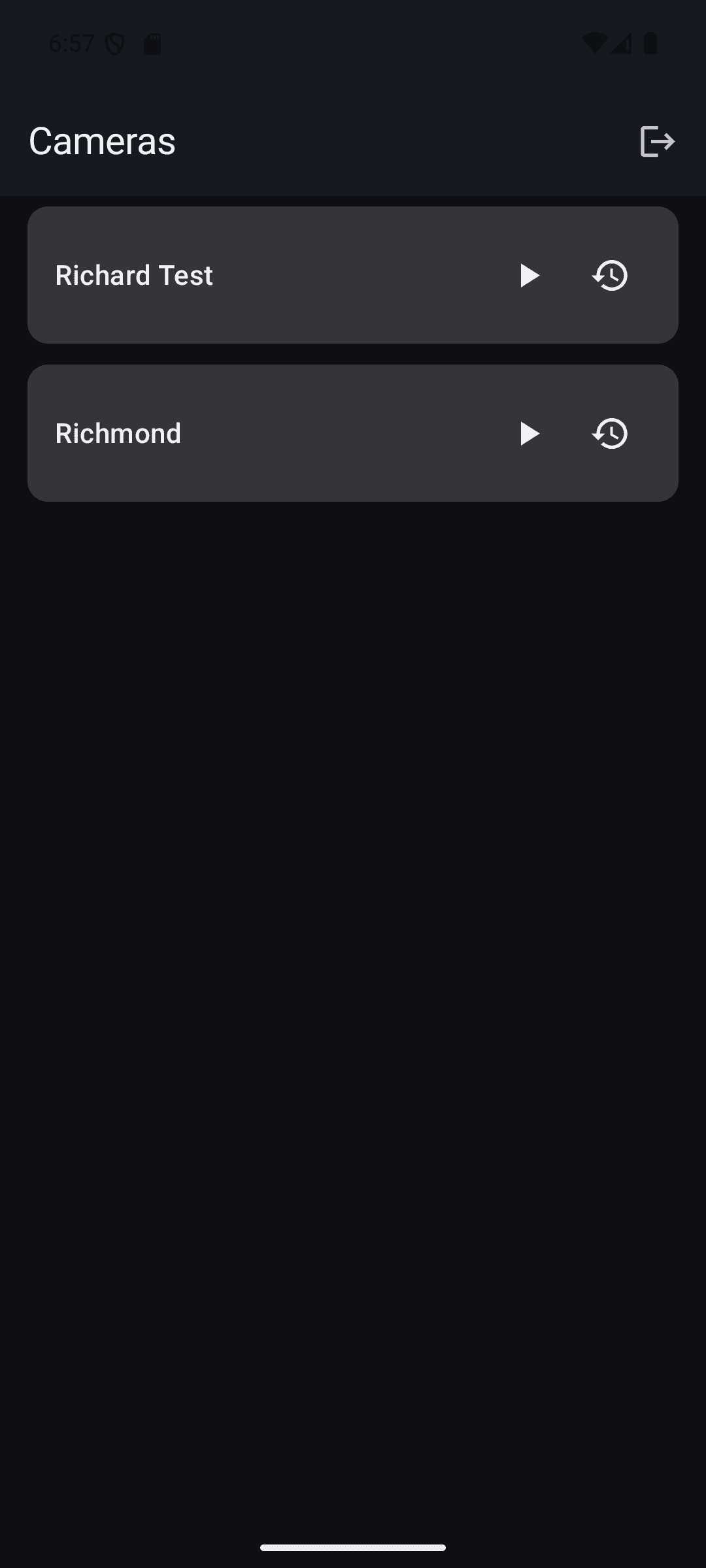
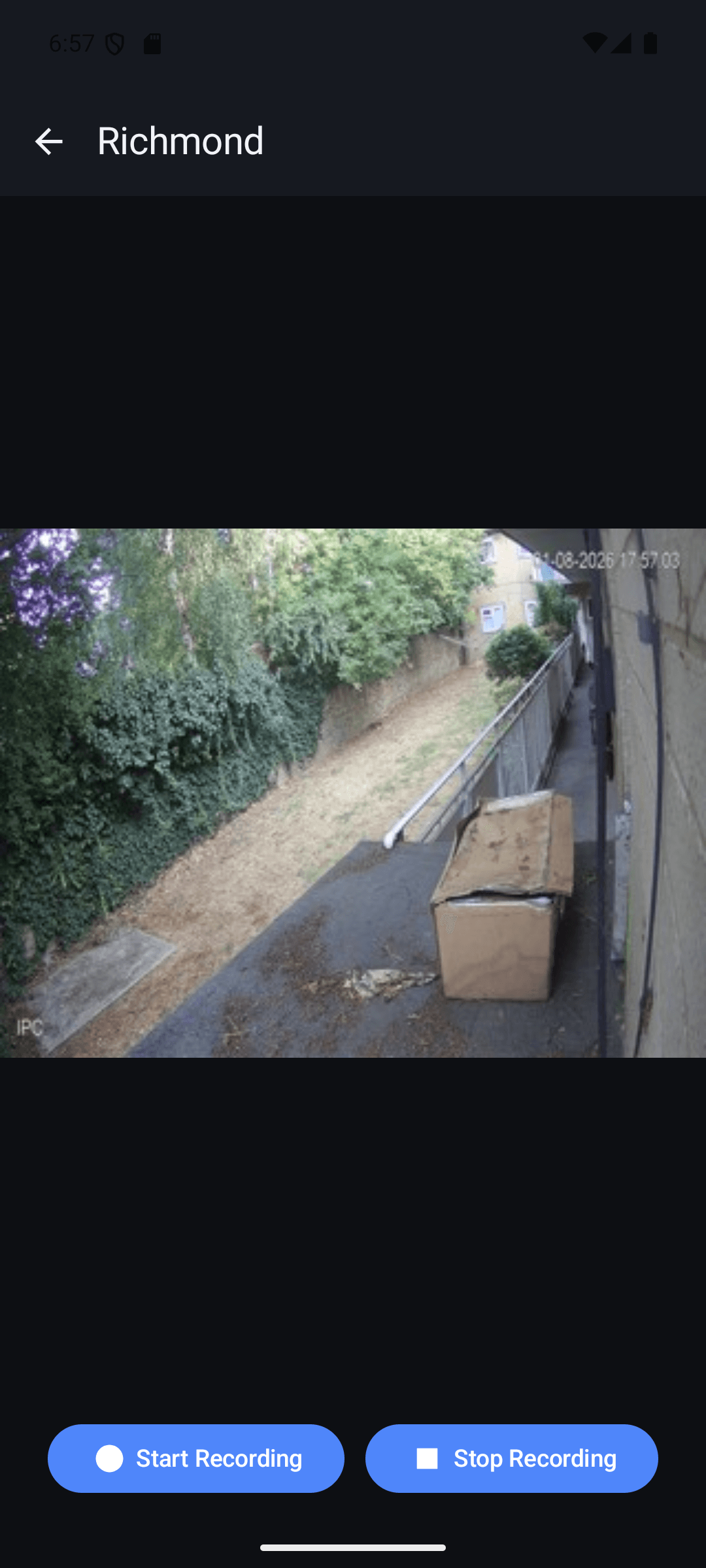
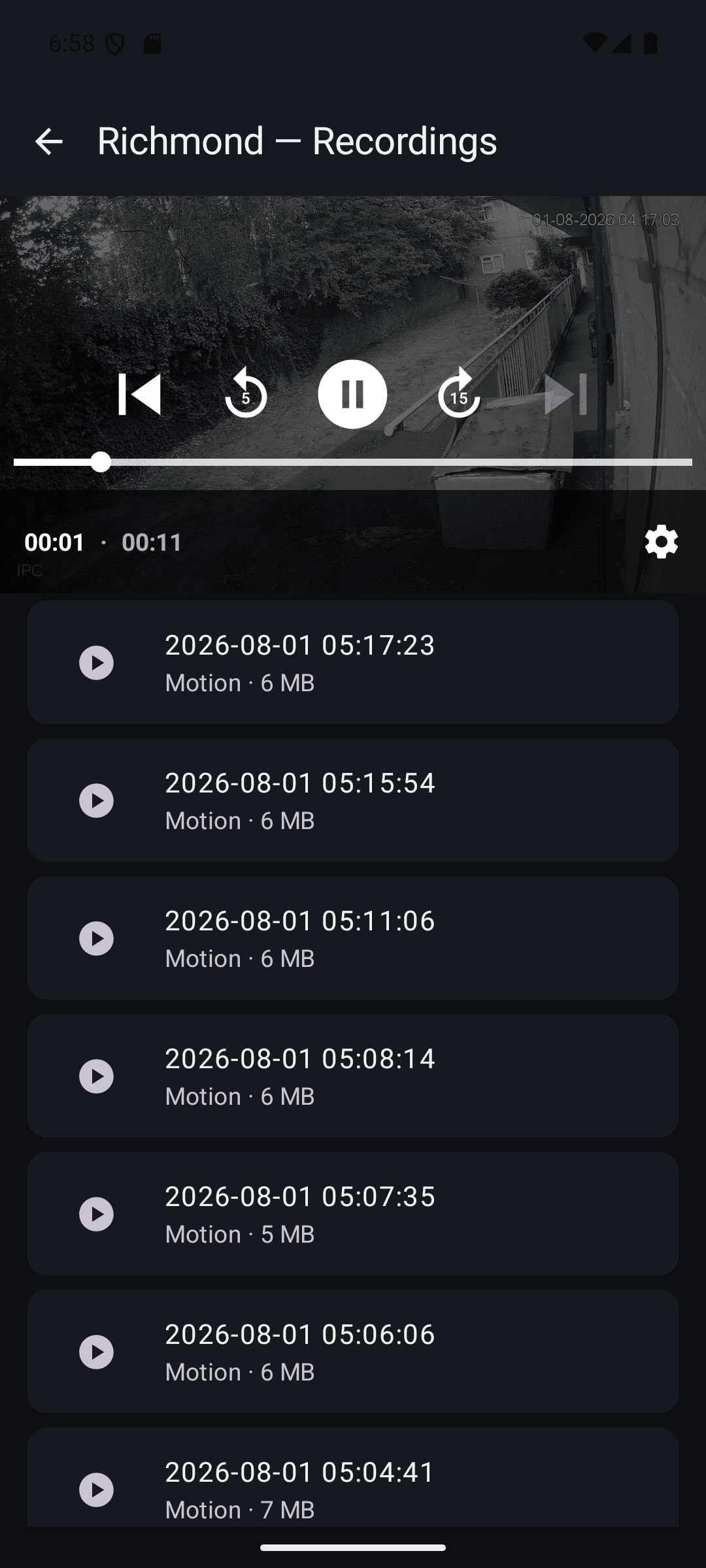
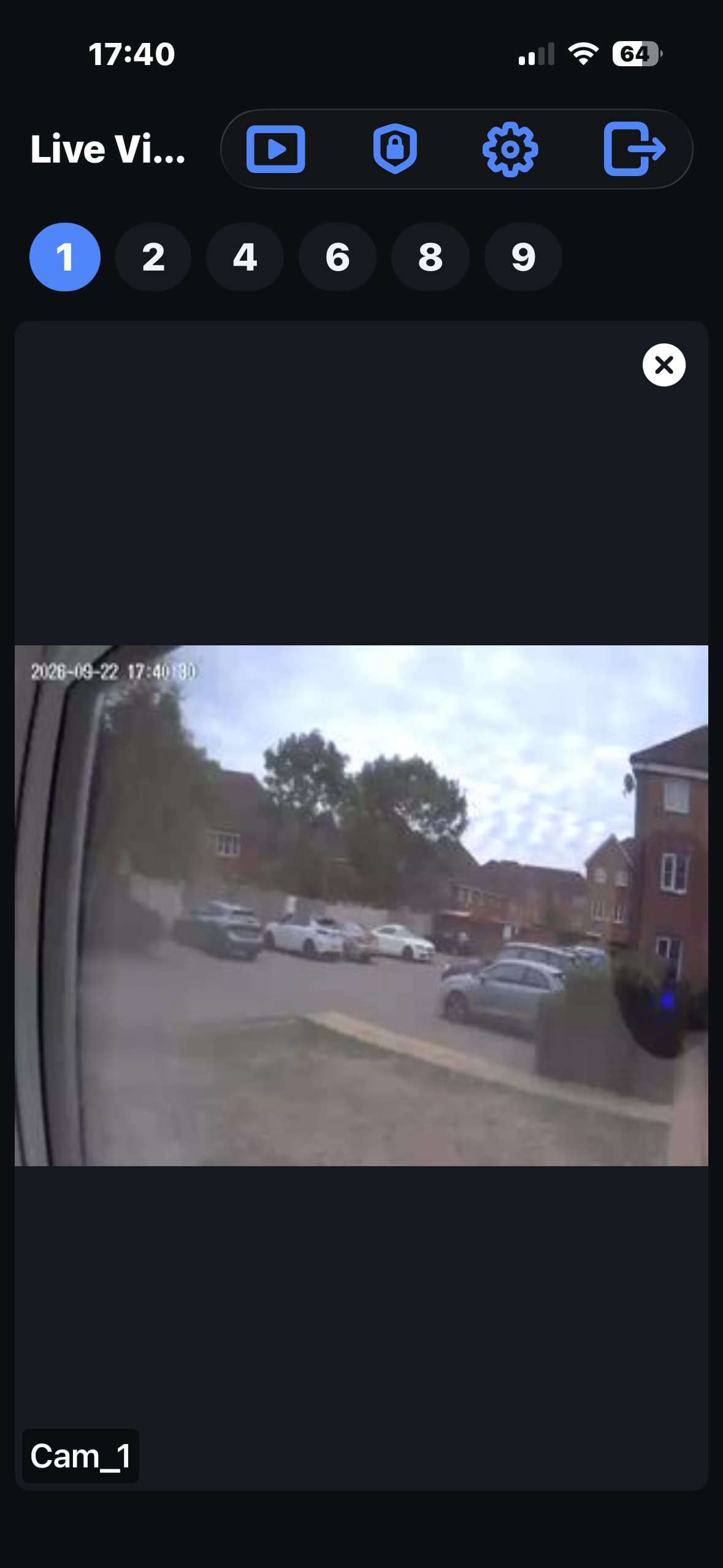
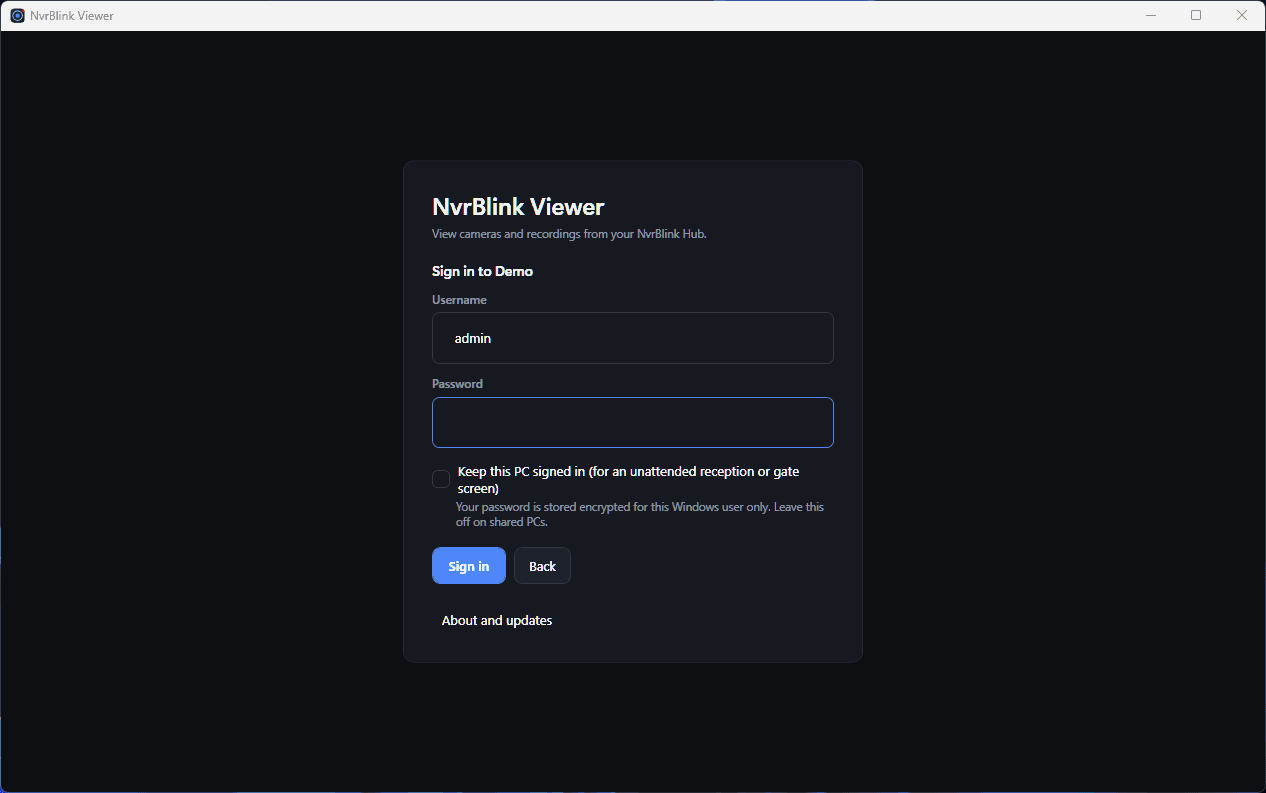
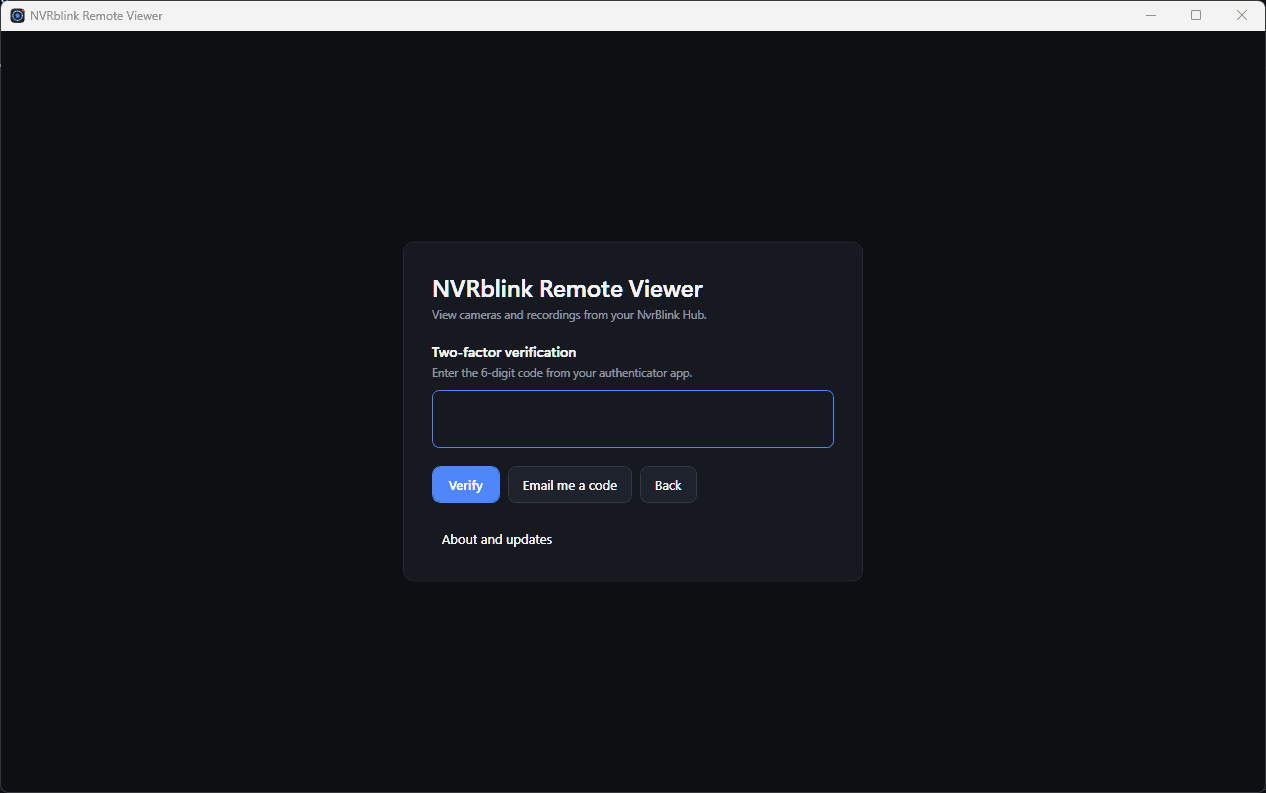
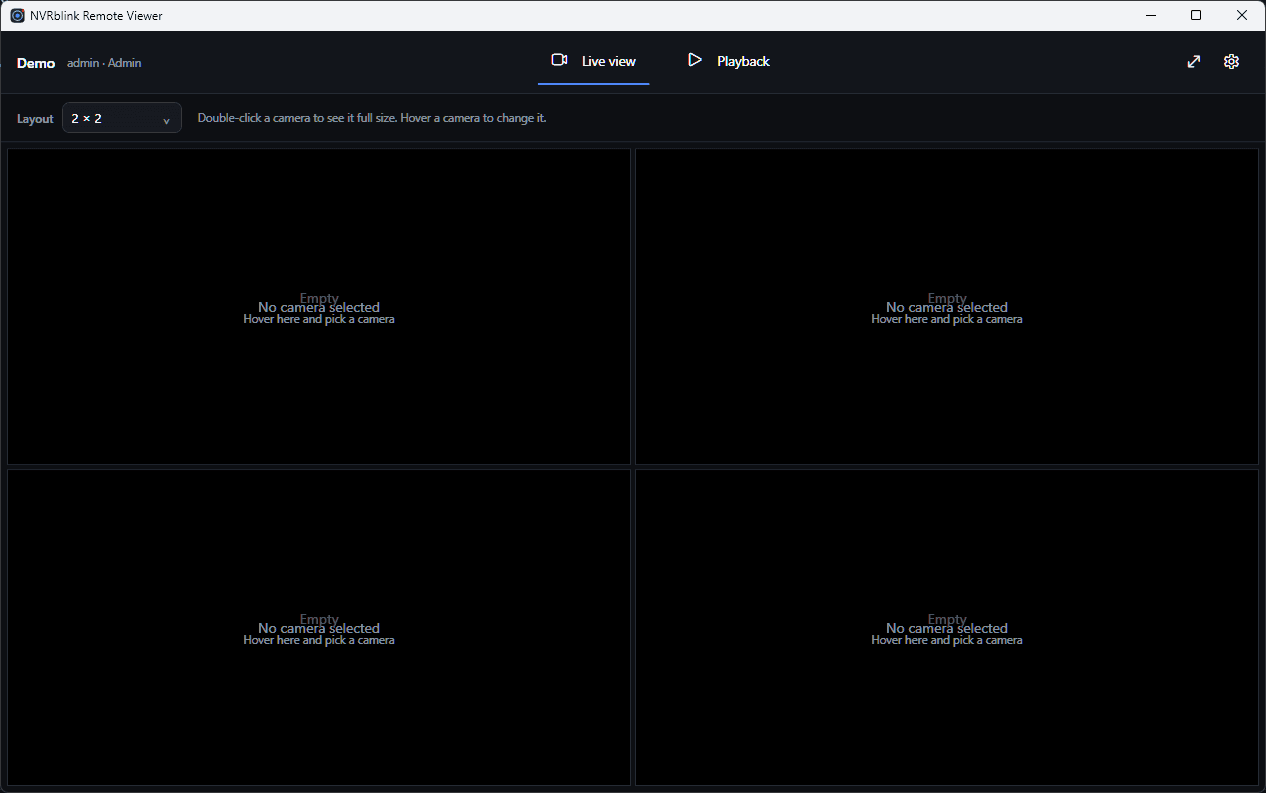
Sign in with a Remote or Admin account (User accounts are local-only, by design) to browse your cameras, watch live feeds, and play back recorded clips from wherever you are. It talks directly to your own NVRblink Hub - nothing routes through us.
iOS is currently going through TestFlight beta review ahead of an App Store release - get in touch if you'd like early access.
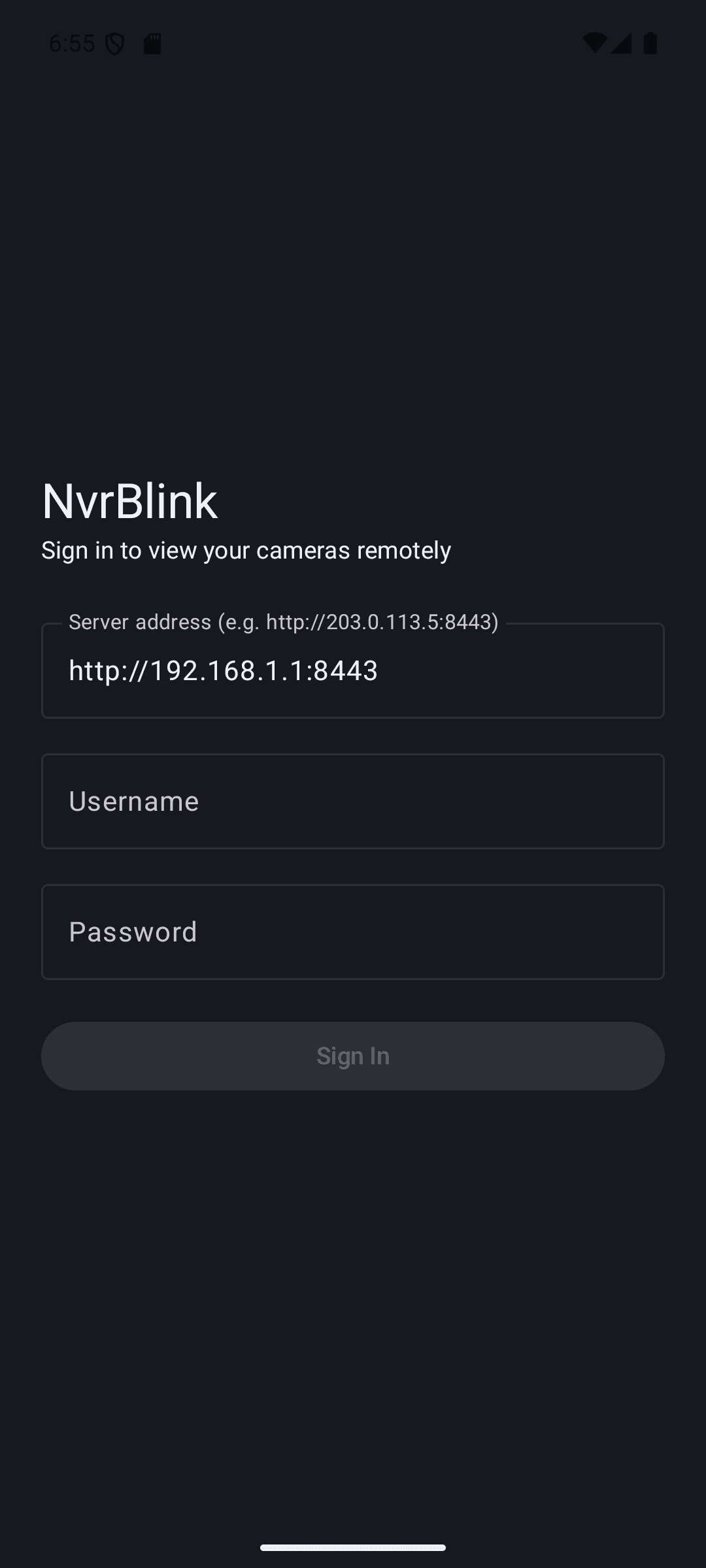
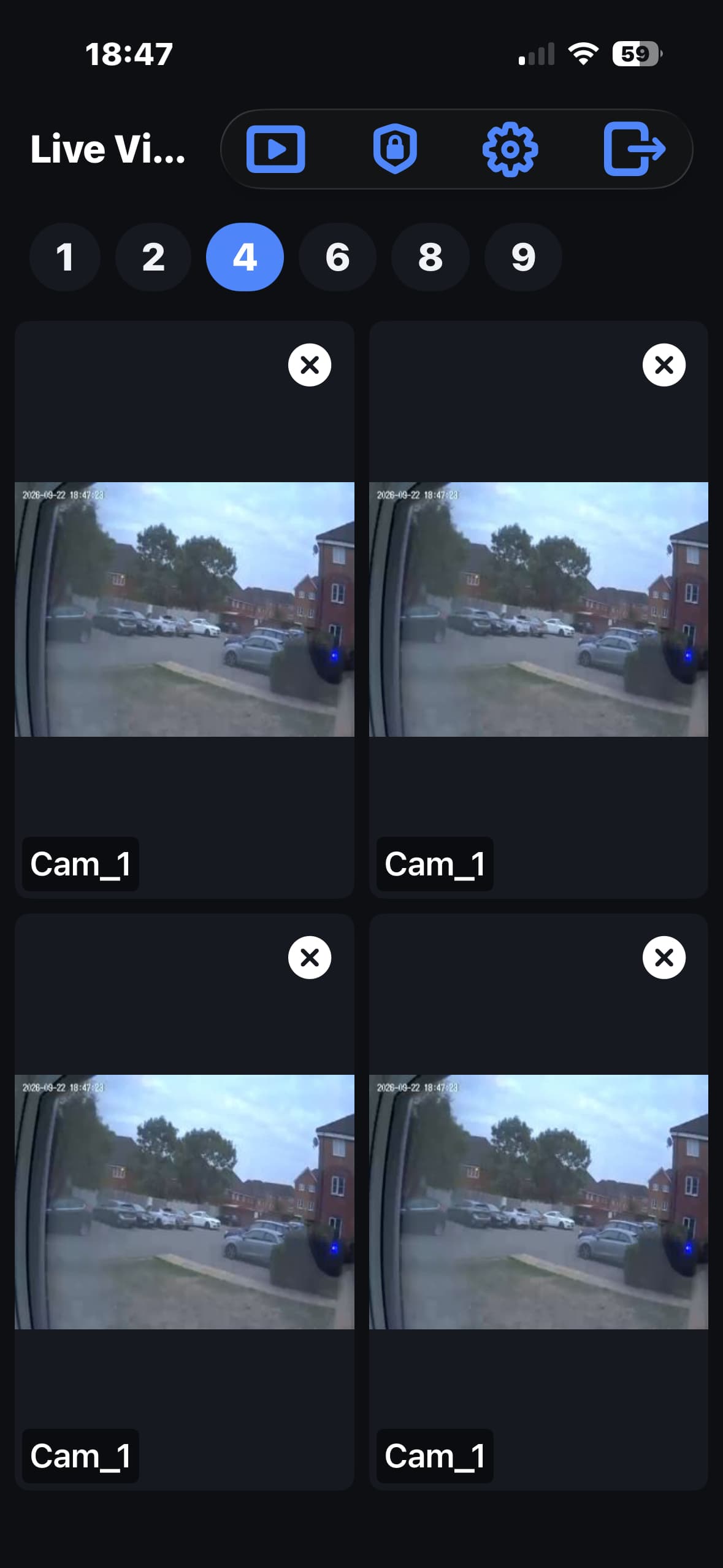
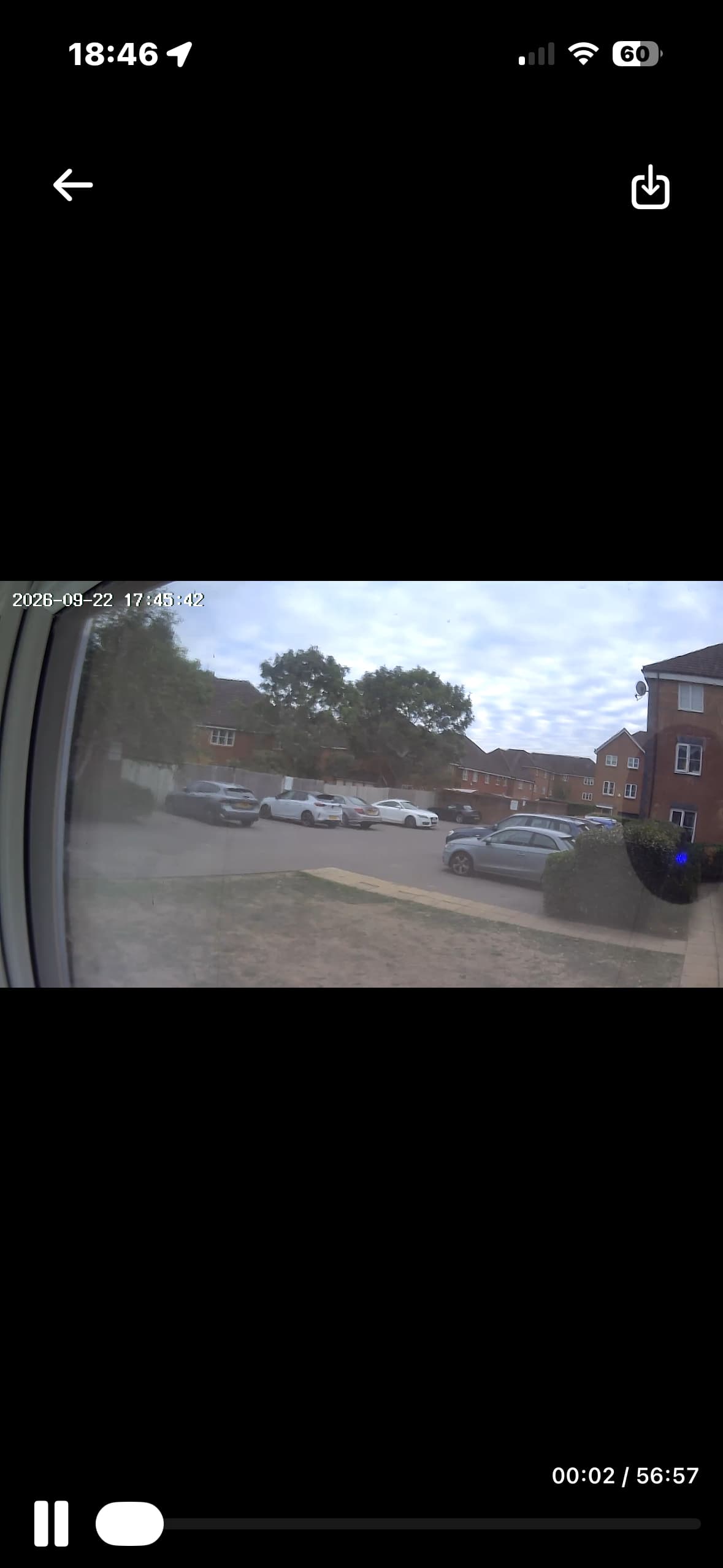
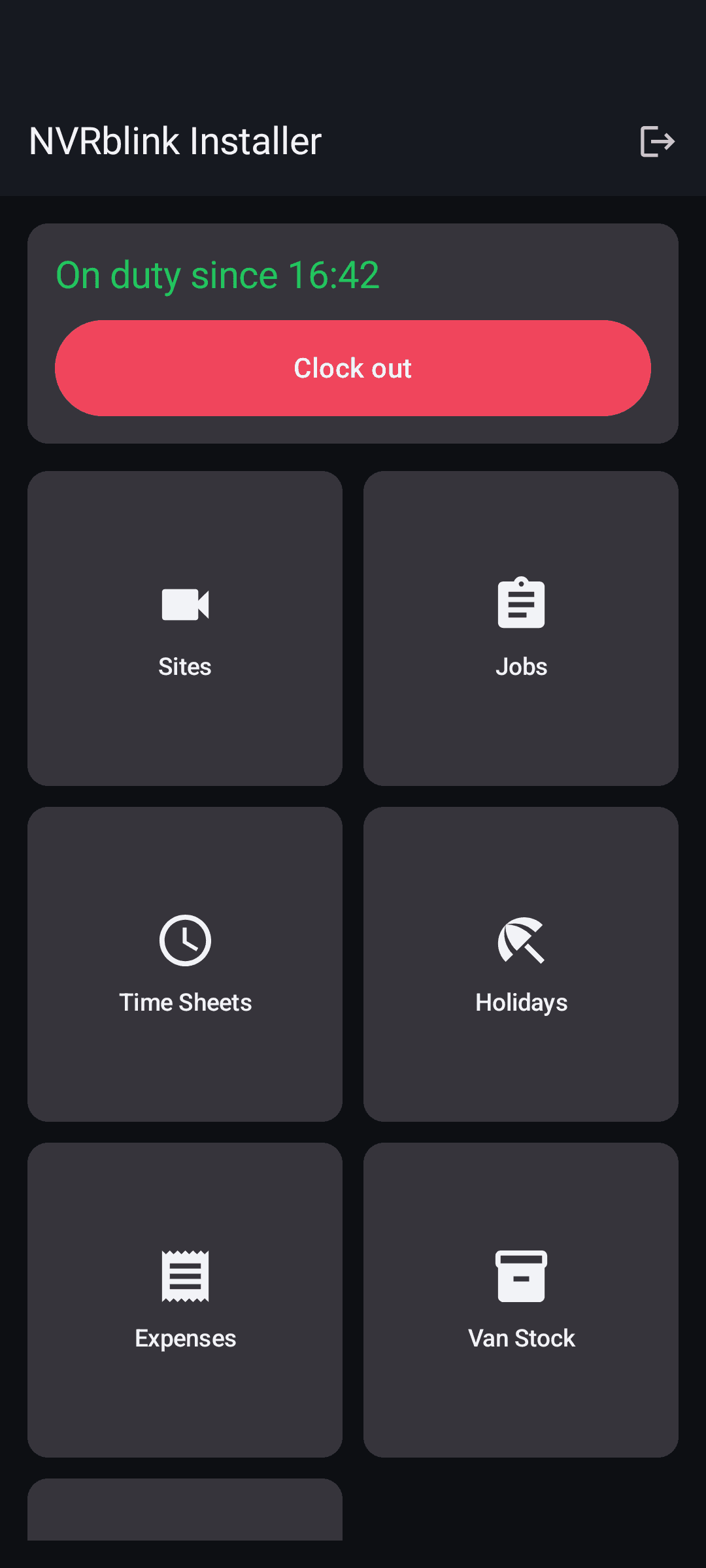
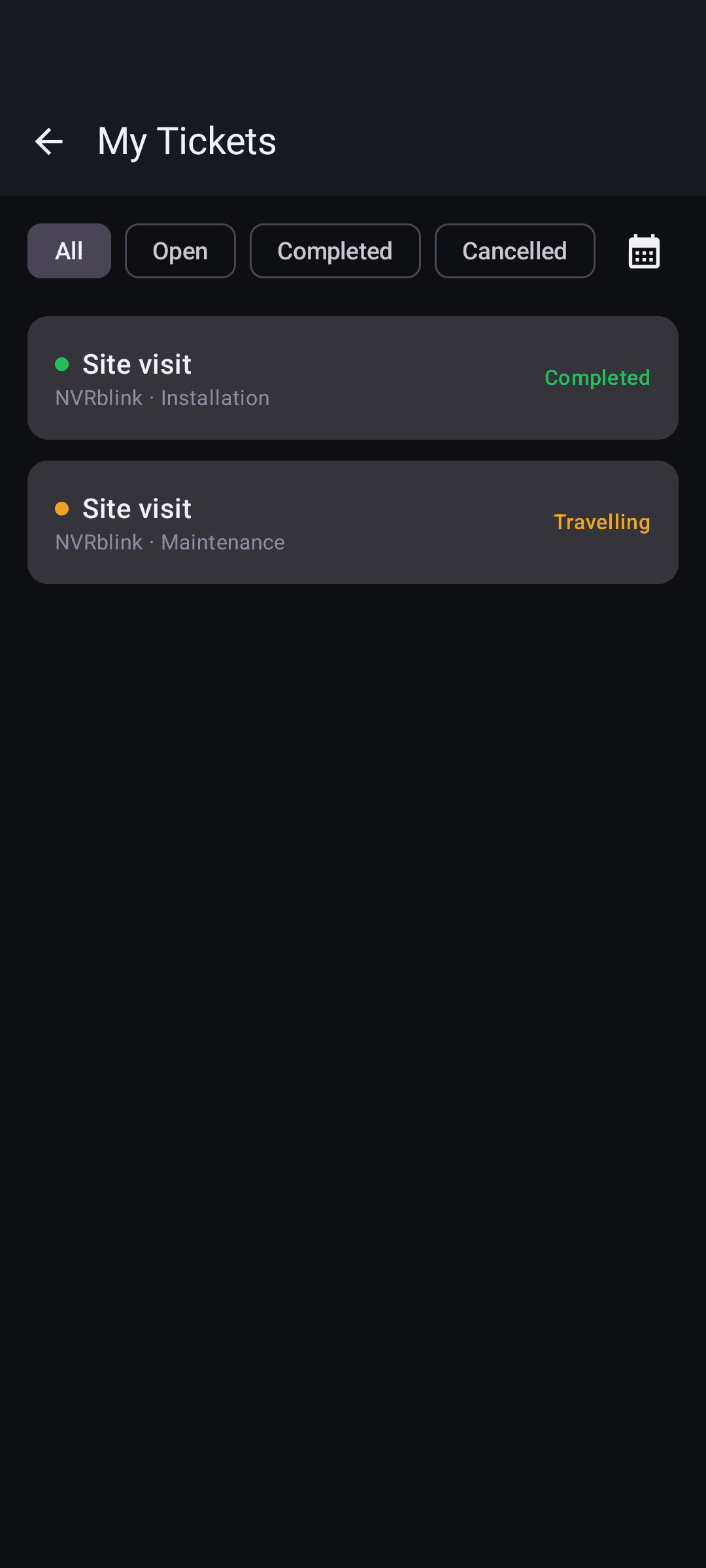
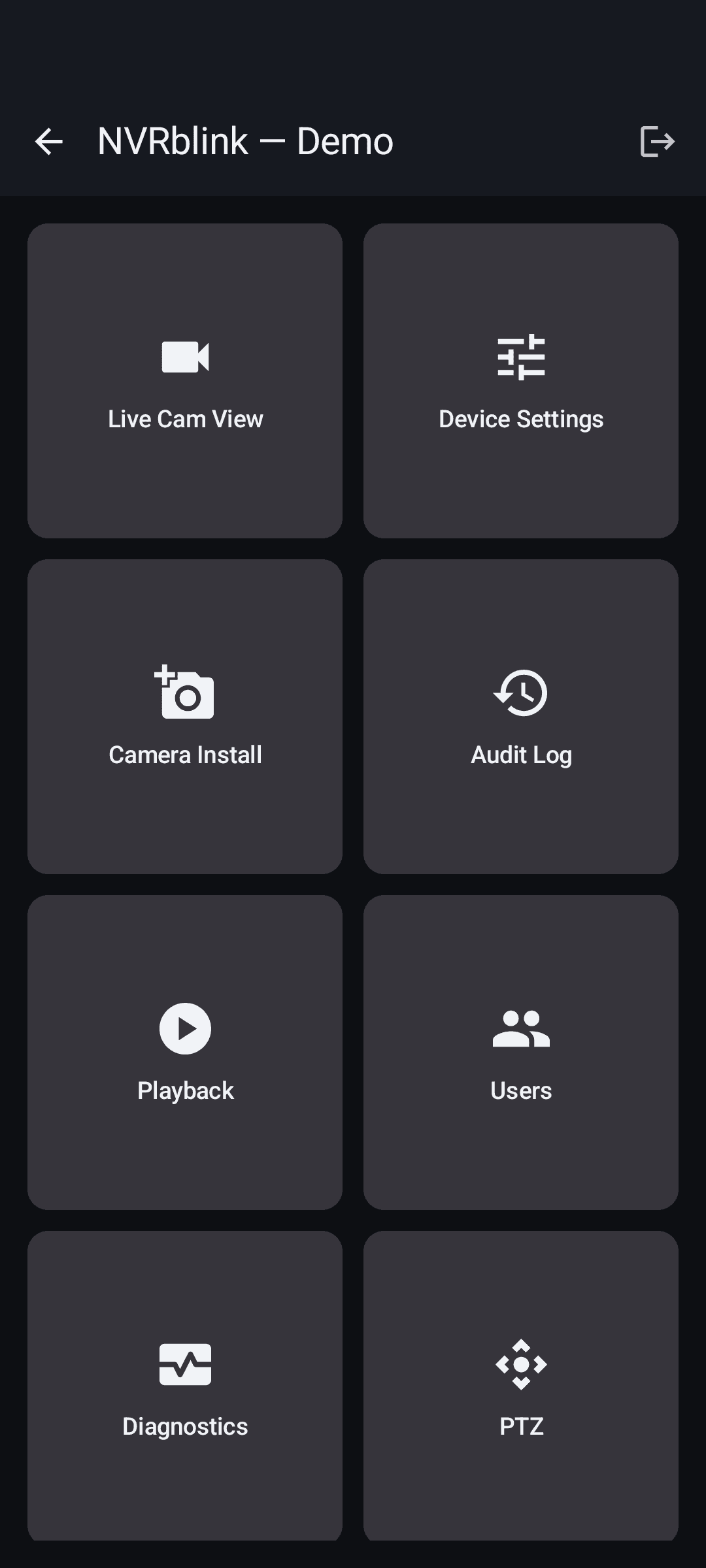
The field engineer companion app for your own team - sign in with an account your business creates in the NVRblink partner portal to get remote access to a client's Hub without a site visit, alongside site and job tools for engineers out in the field.
Available to partners through the partner portal, not as a public download.
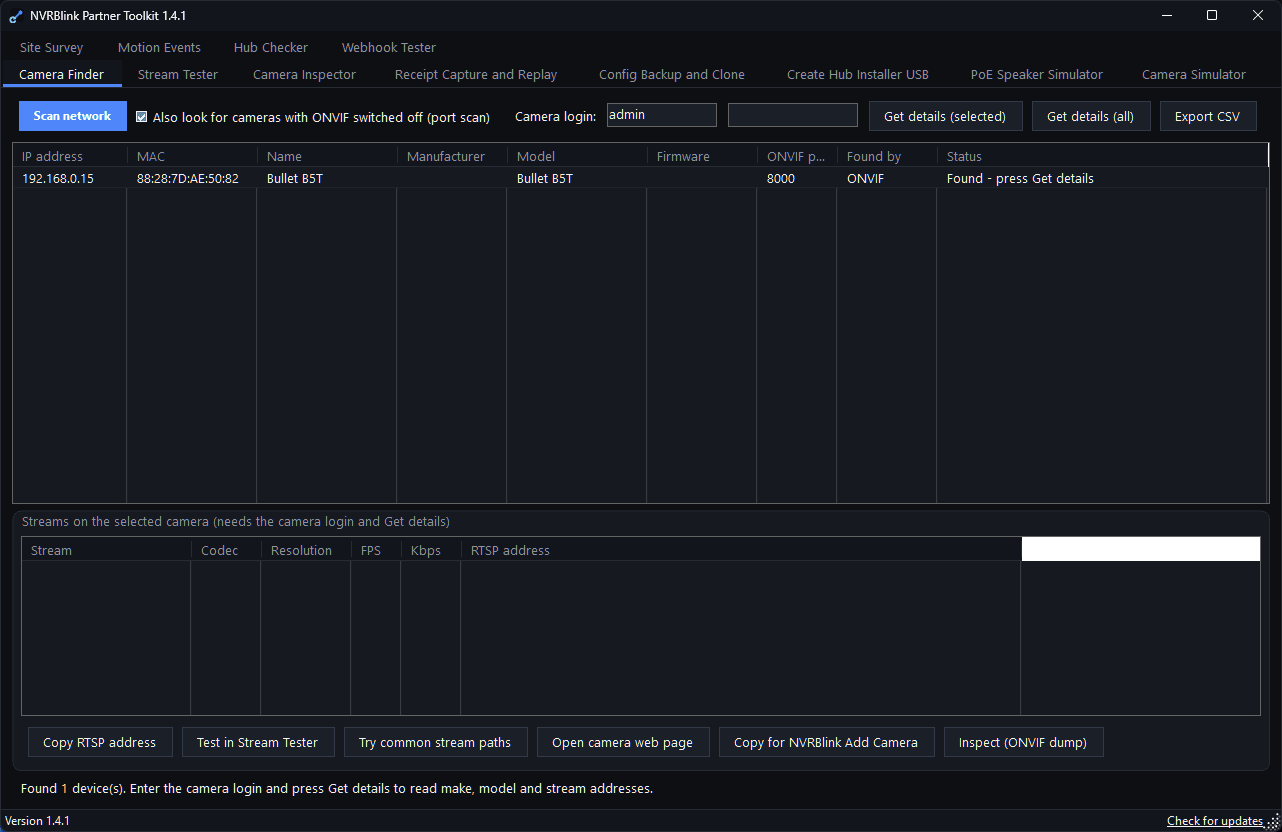
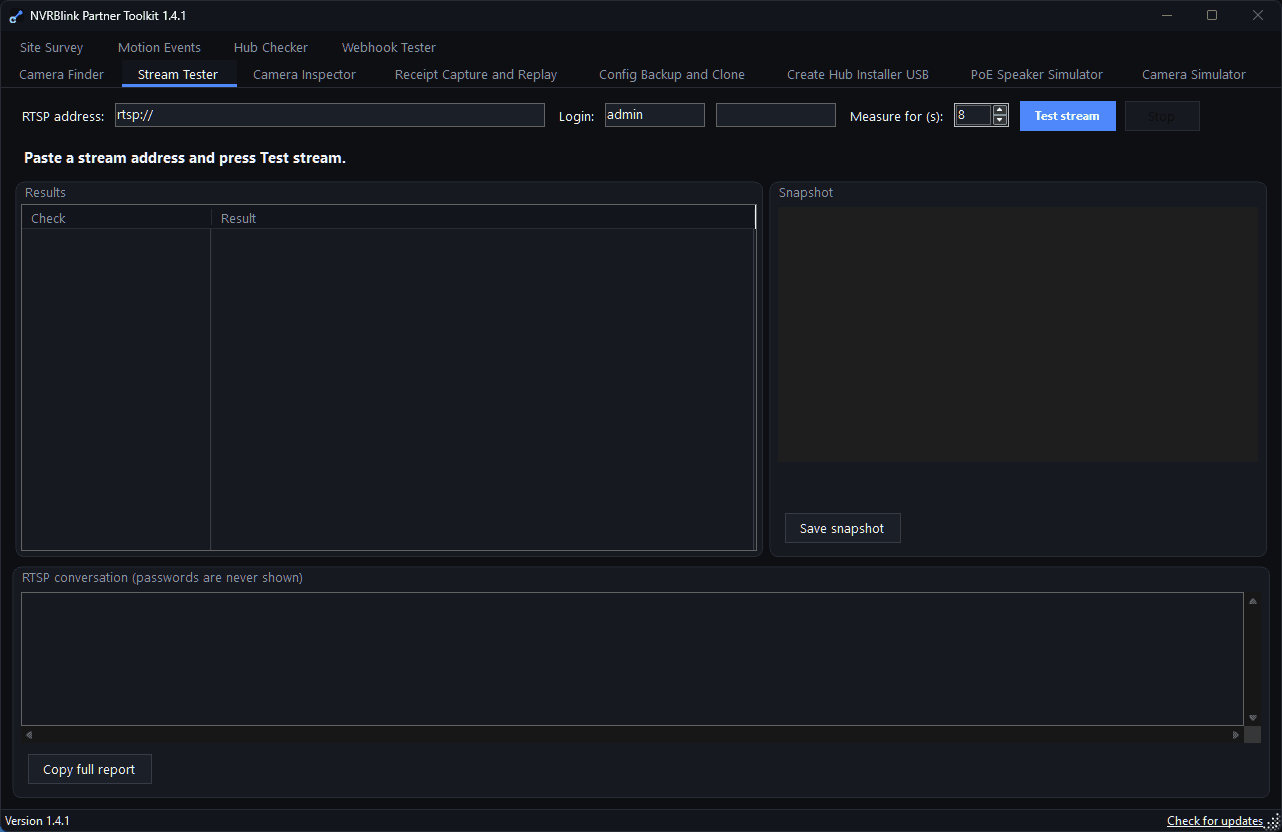
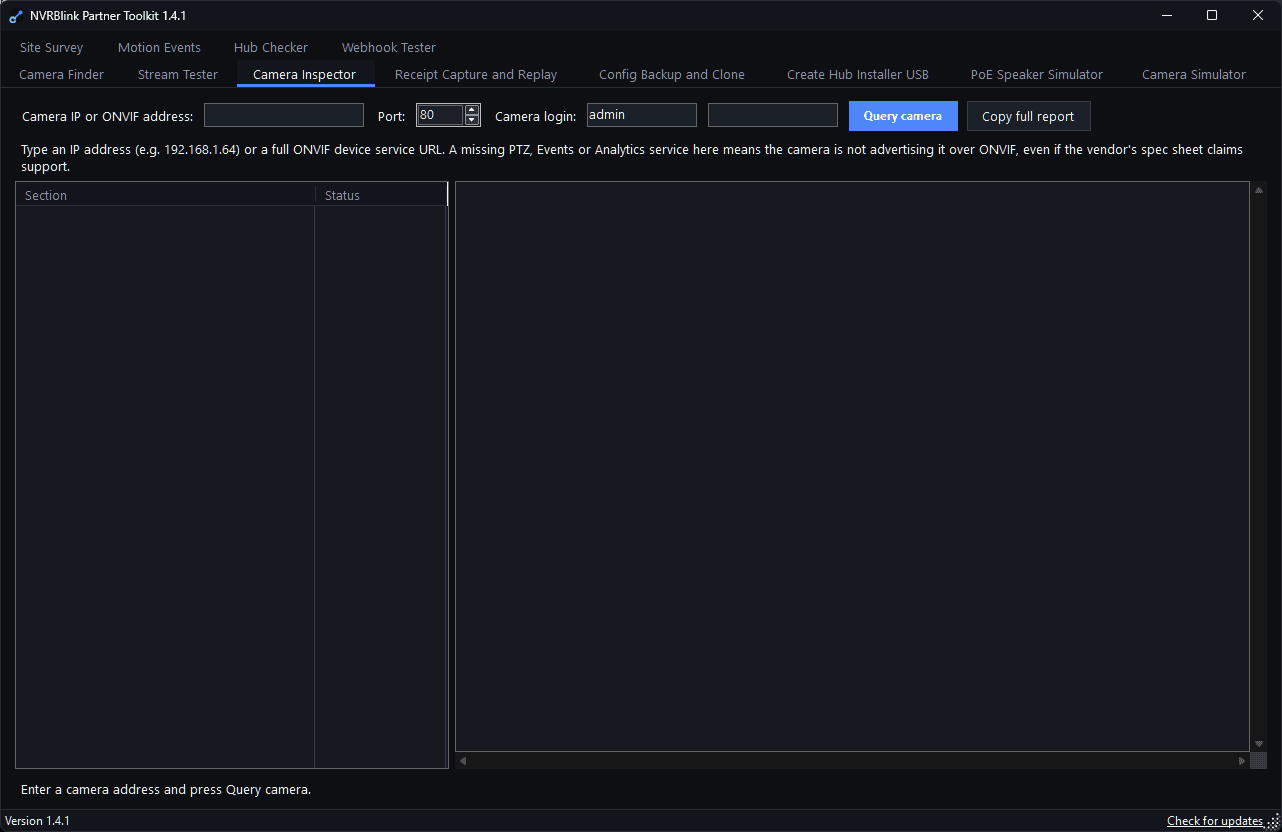
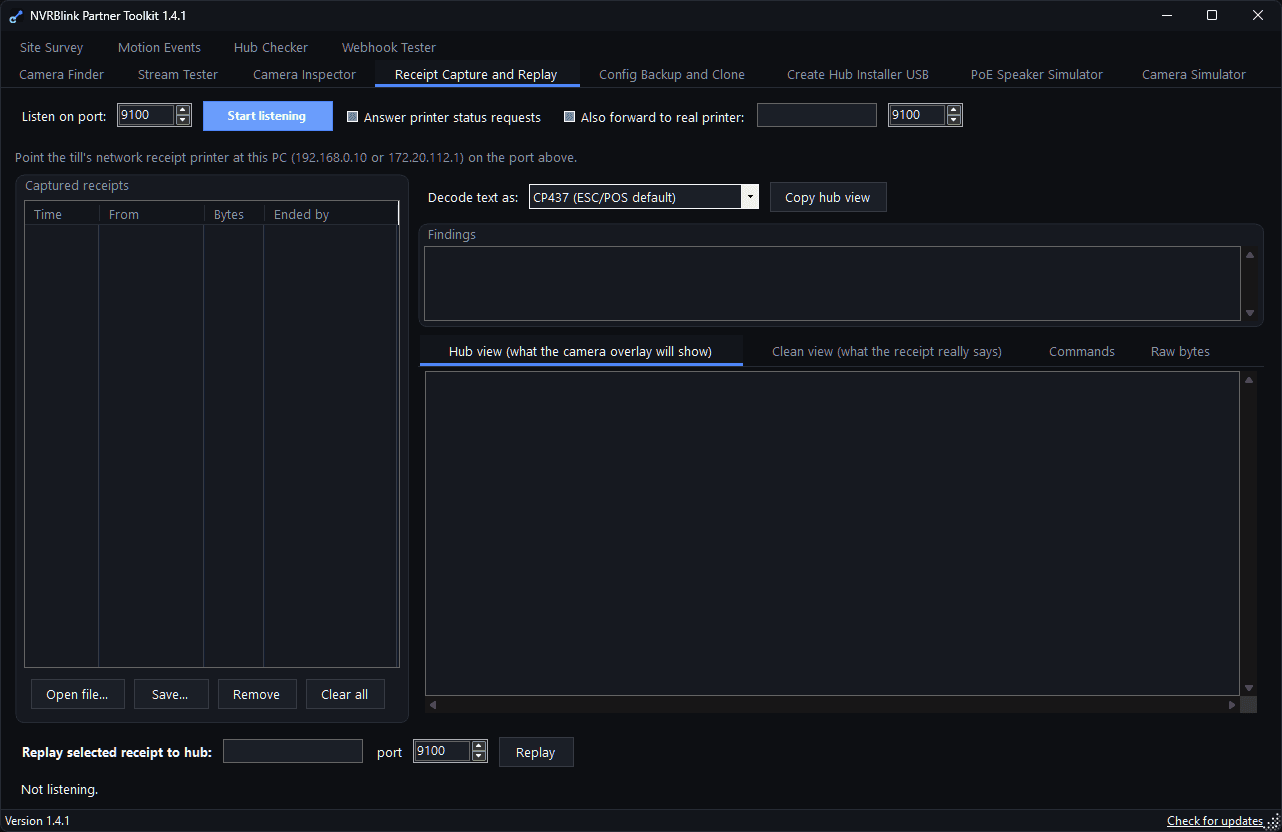
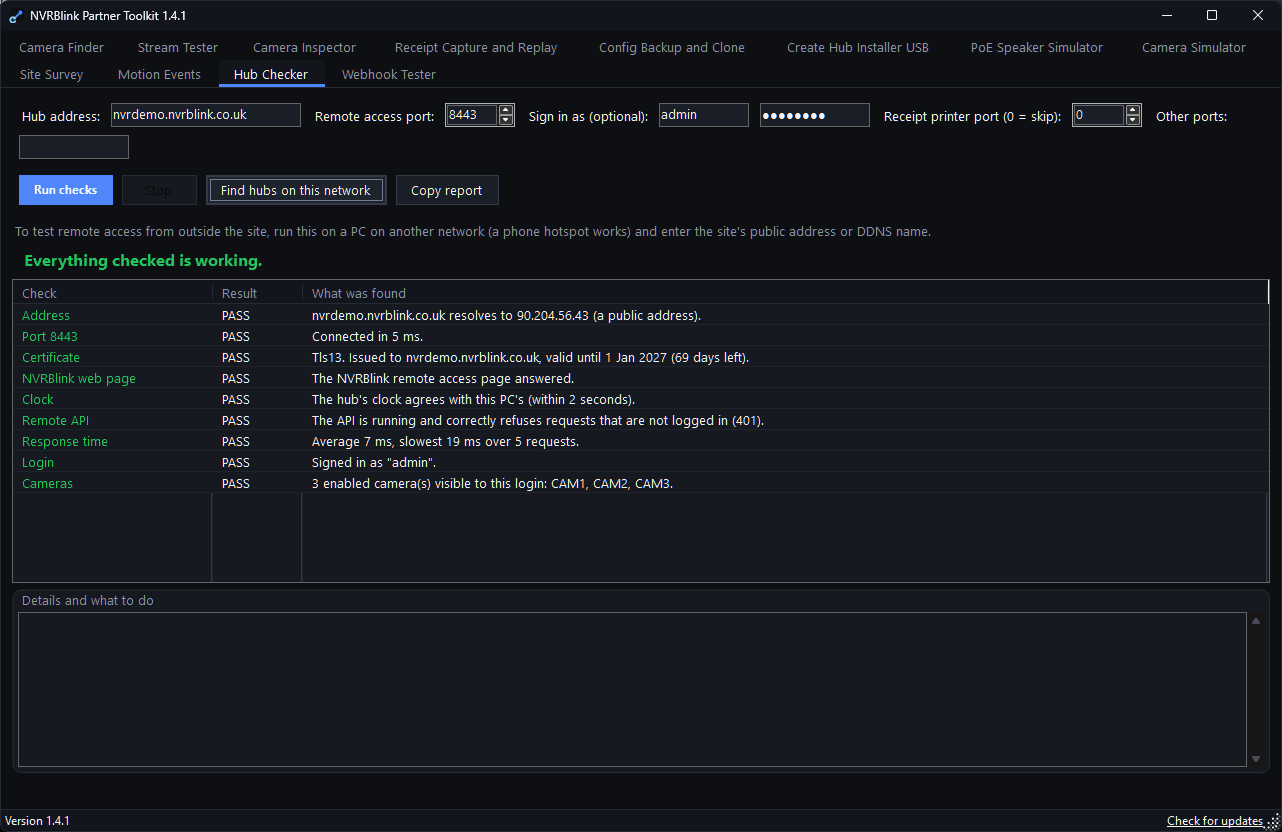
Ten installer and support tools in one free Windows app: find cameras on the network, test any RTSP stream, survey a site and produce a customer report, simulate cameras and speakers for demos, watch motion events, check a Hub's remote access, capture and replay till receipts, test webhooks, and back up and clone a site's configuration.
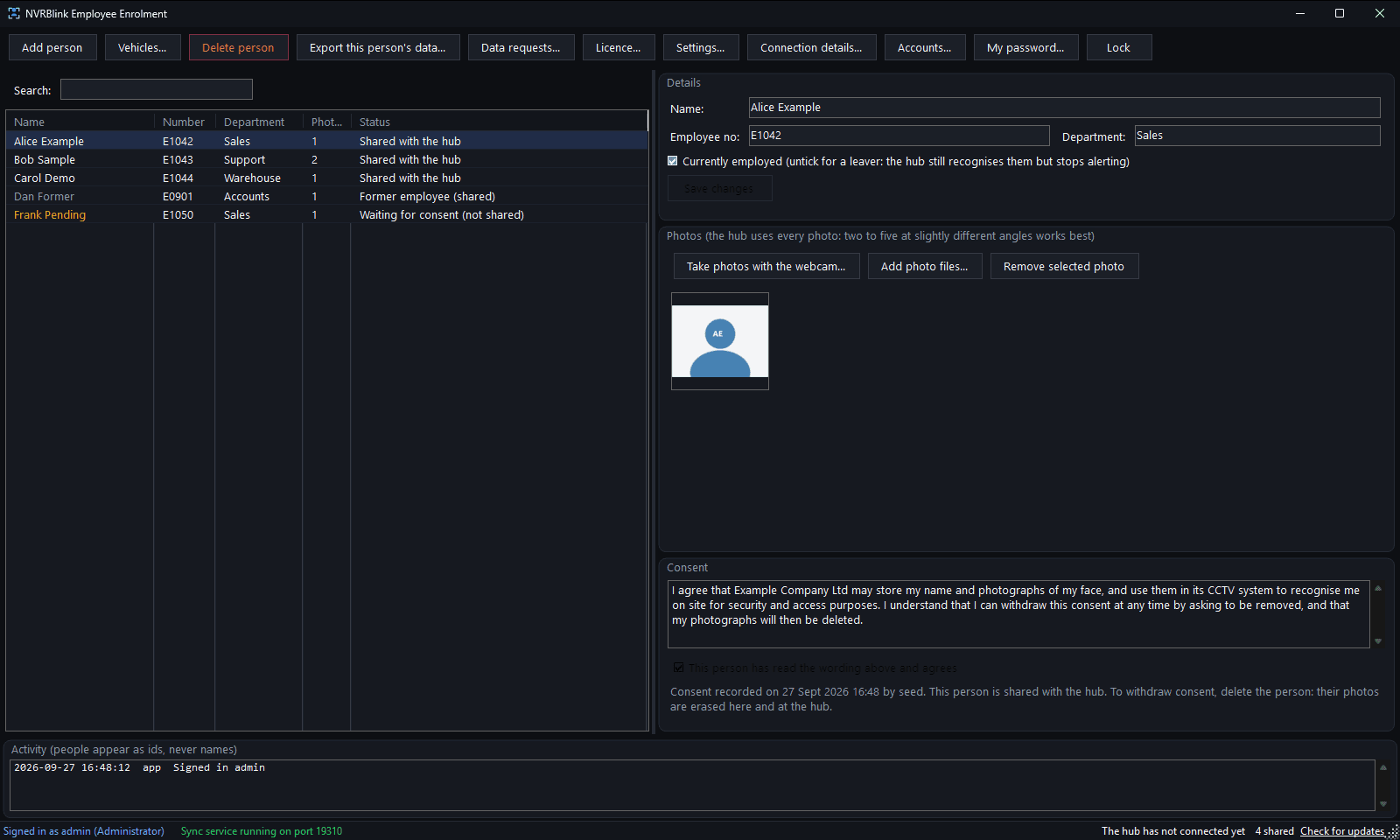
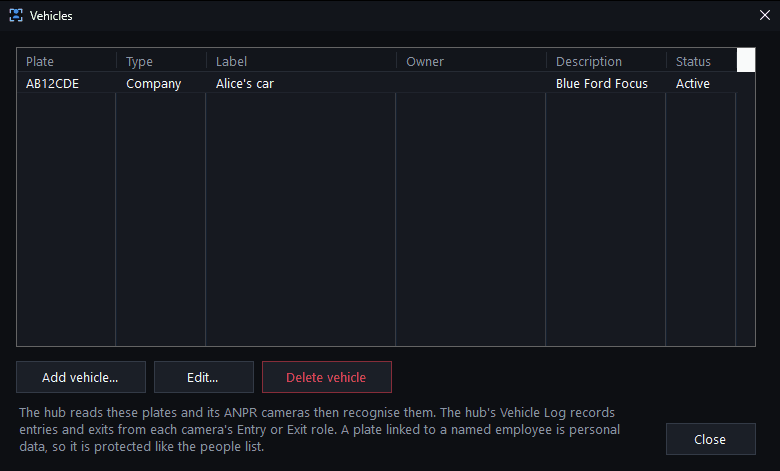
A Windows app for a client's own reception or HR PC. Staff enrol employees by name and webcam photo with recorded consent, and the Hub picks them up automatically for Face Recognition. It also holds the vehicle register for ANPR, and lets HR raise GDPR access or erasure requests to the Hub.
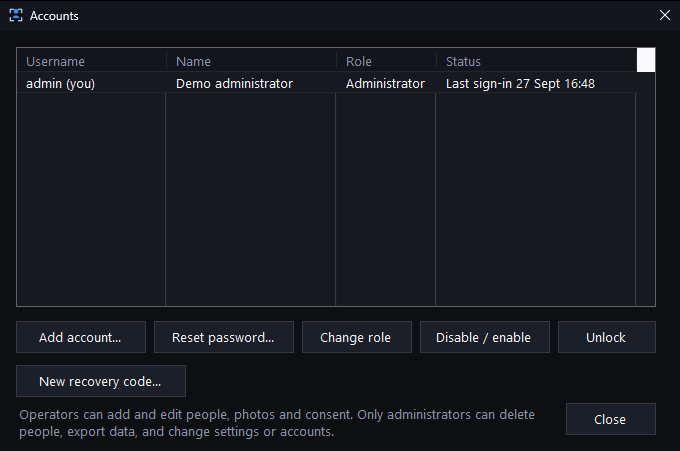
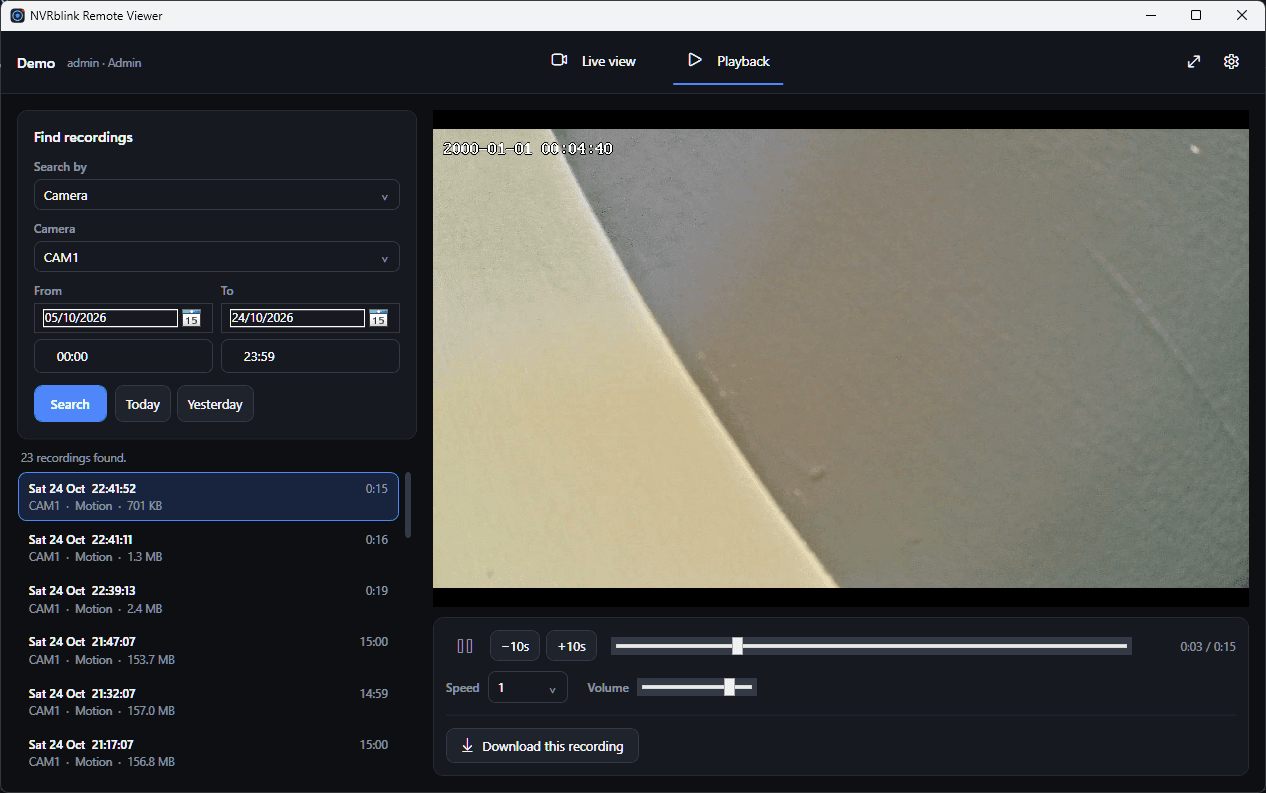
A Windows app for watching your cameras and recordings from any PC on the network - ideal for reception or gate screens, and for HR, directors and IT reviewing footage. See a live multi-camera grid, search recordings by camera, number plate or person, then play them back and download footage as evidence. It connects to an NVRblink Hub and does not record anything itself.
You need an NVRblink Hub and a Hub account with the Remote or Admin role (User accounts can only sign in at the Hub itself). Windows 10 (1903 or later) or Windows 11, 64-bit, and nothing else to install. It installs for the current user without administrator rights.
Download NVRblink Remote ViewerNot code-signed yet, so Windows SmartScreen may warn on first run - select More info → Run anyway.
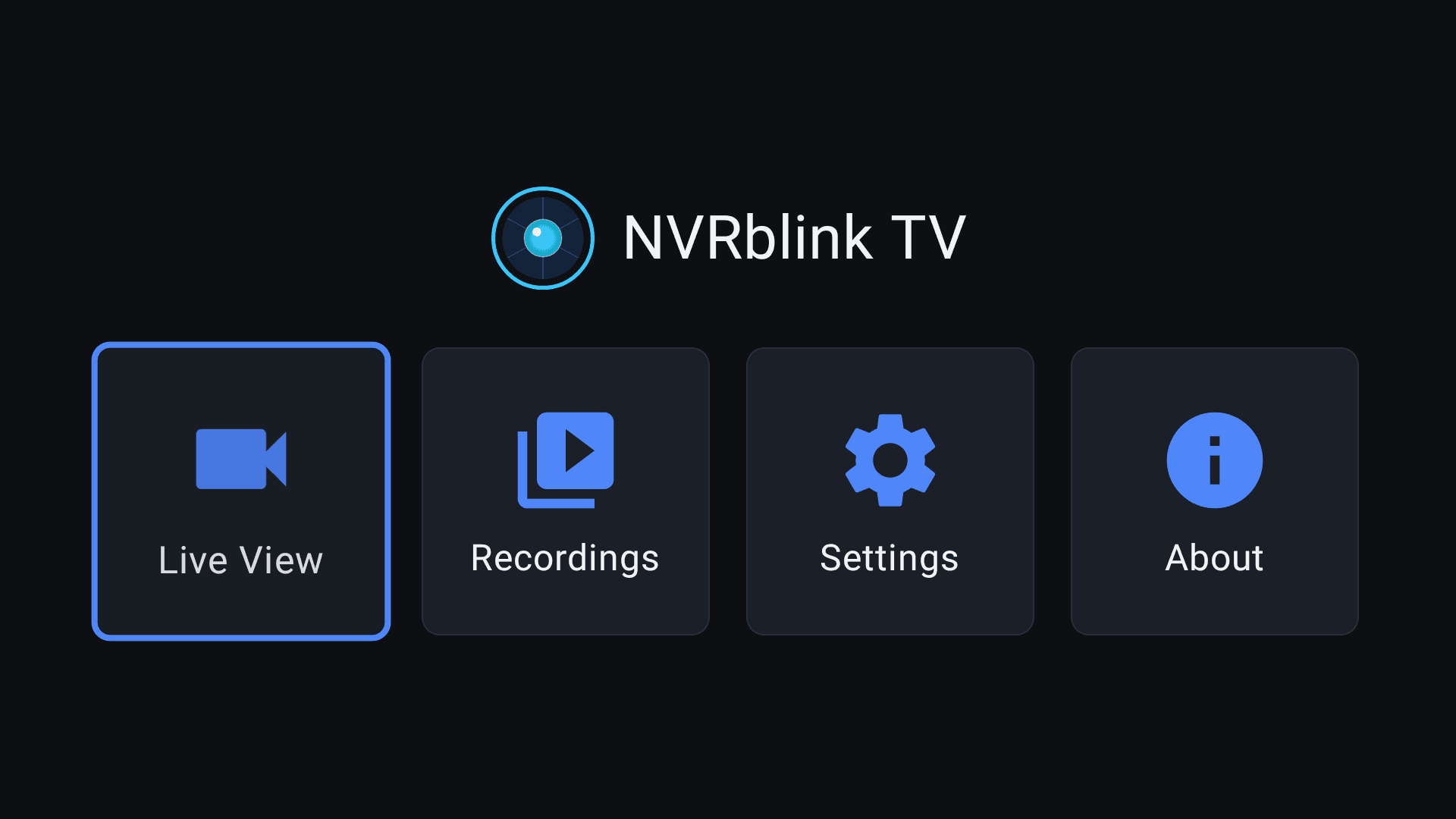
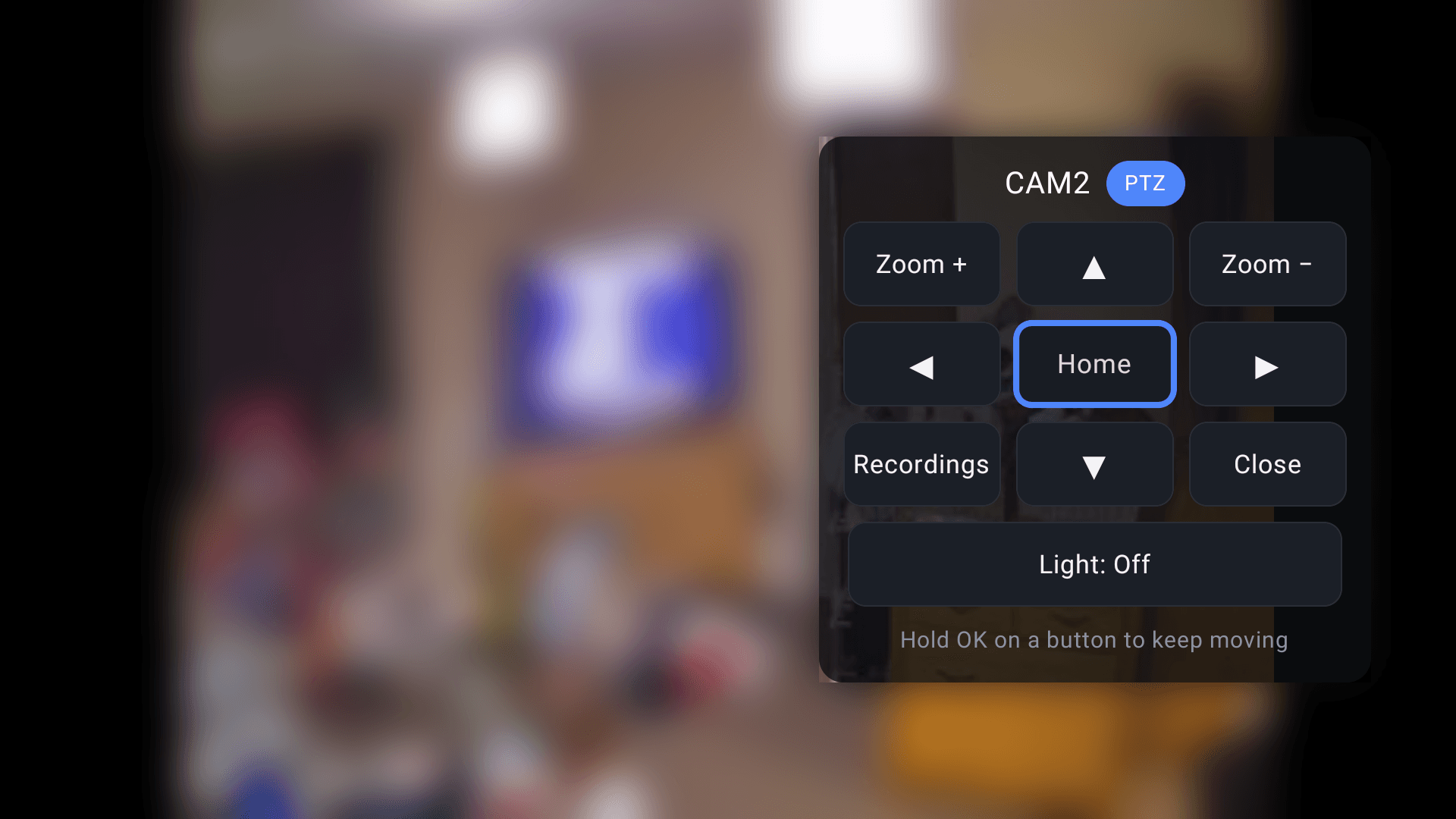
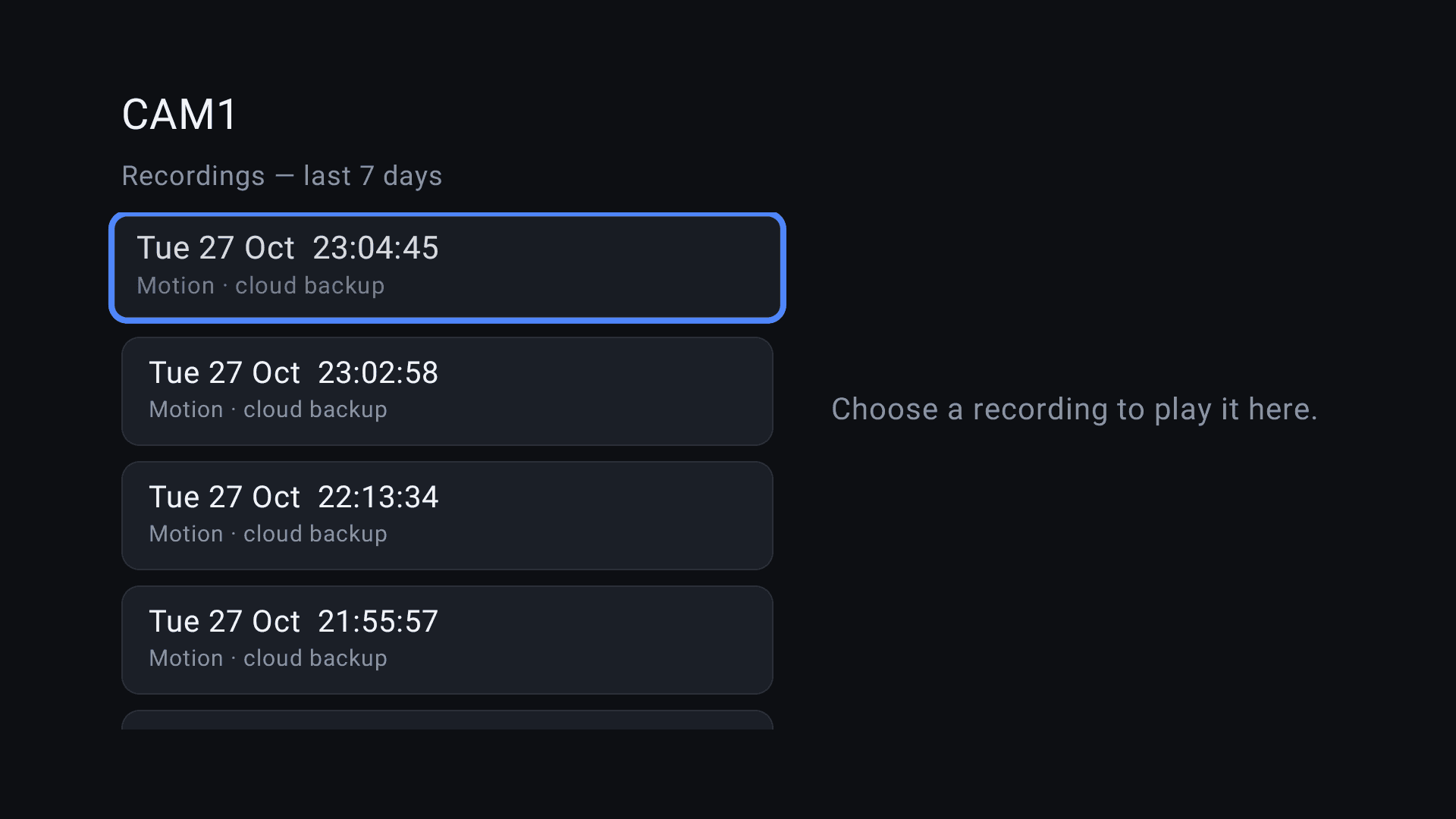
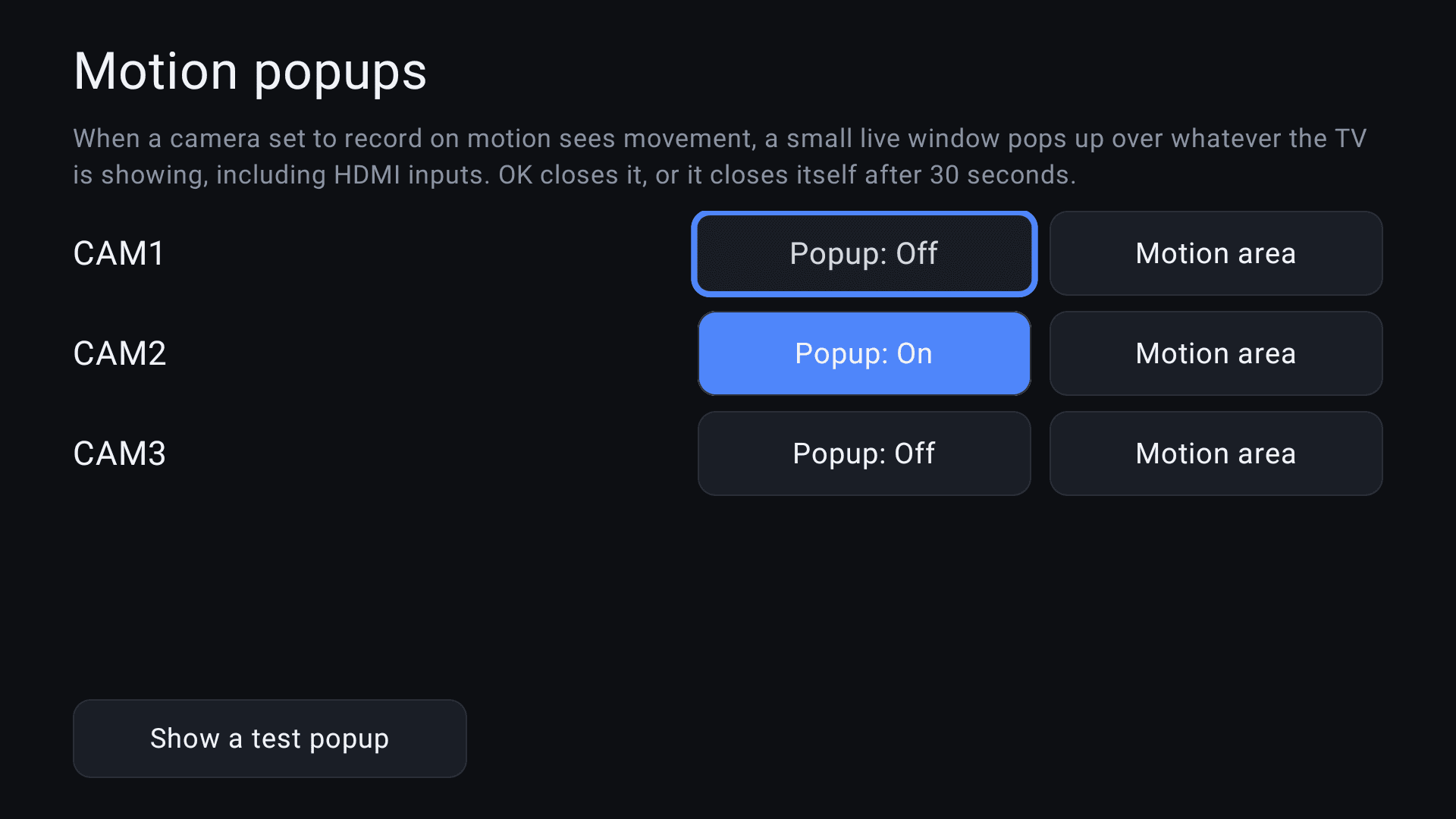
Put your cameras on the living-room or reception TV. NVRblink TV runs on Android TV and Google TV, connects straight to your own NVRblink Hub, and shows your live cameras on the big screen with live camera sound and motion alerts. Sign in with a Remote or Admin account; nothing routes through us.
For a till or EPOS printer that can only print to a local USB or serial port, with no way to reach the network at all - Epos Bridge will sit alongside it, capture the receipt it's already printing, and forward it on to the Hub's receipt overlay unchanged. A till that can already print over the network doesn't need this at all; it connects straight to the Hub. Currently in early development.